kanneri
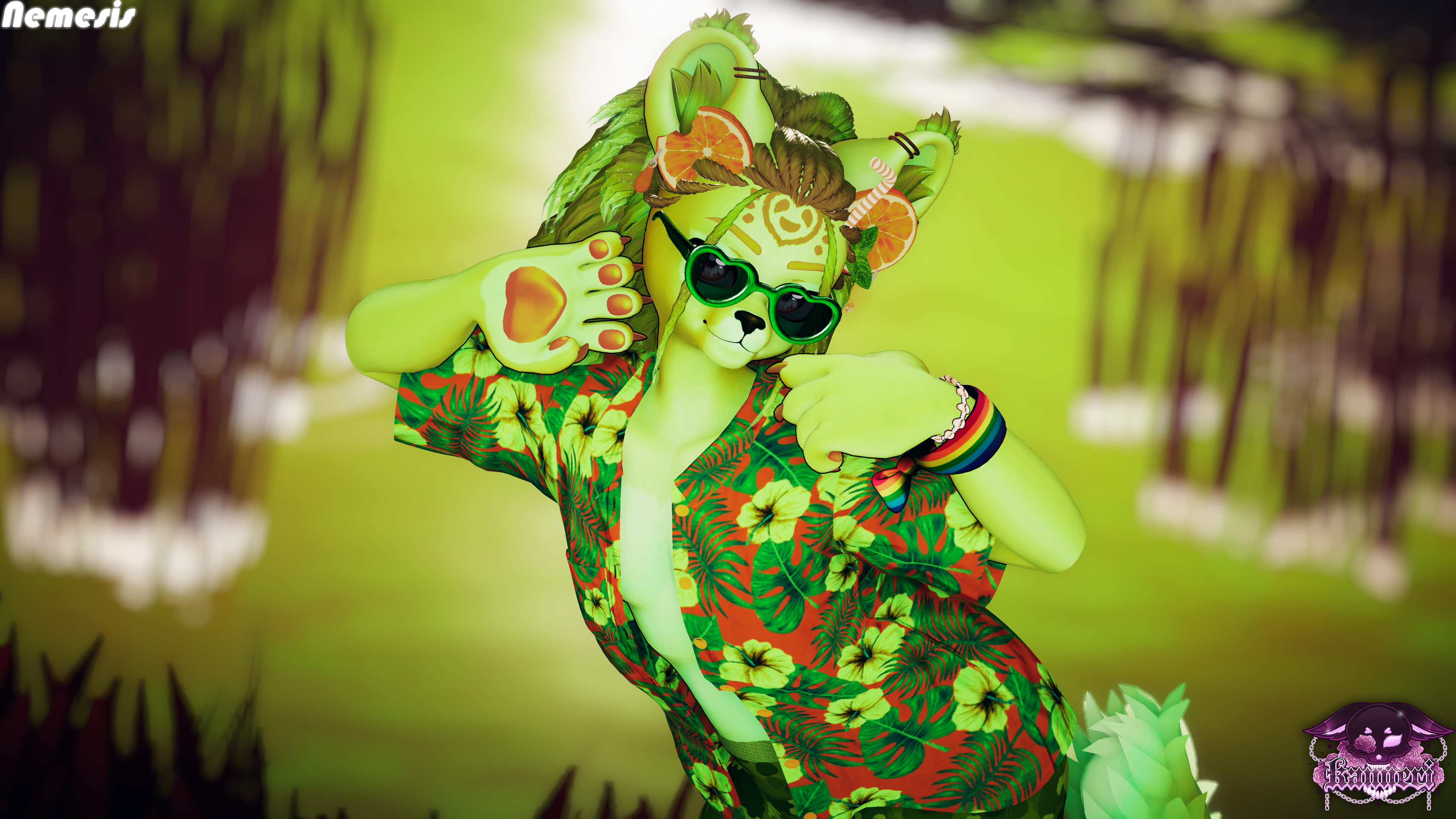
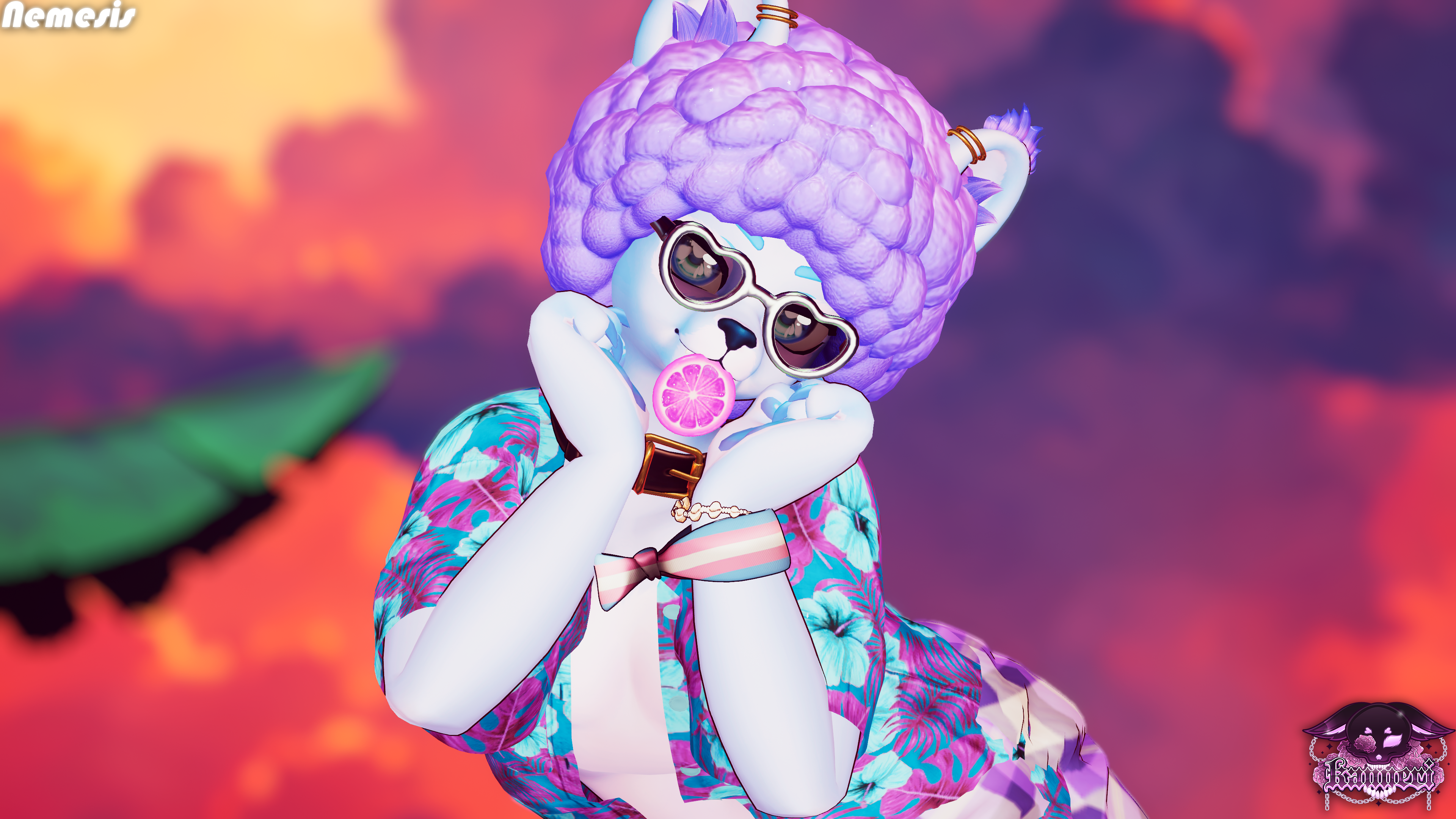
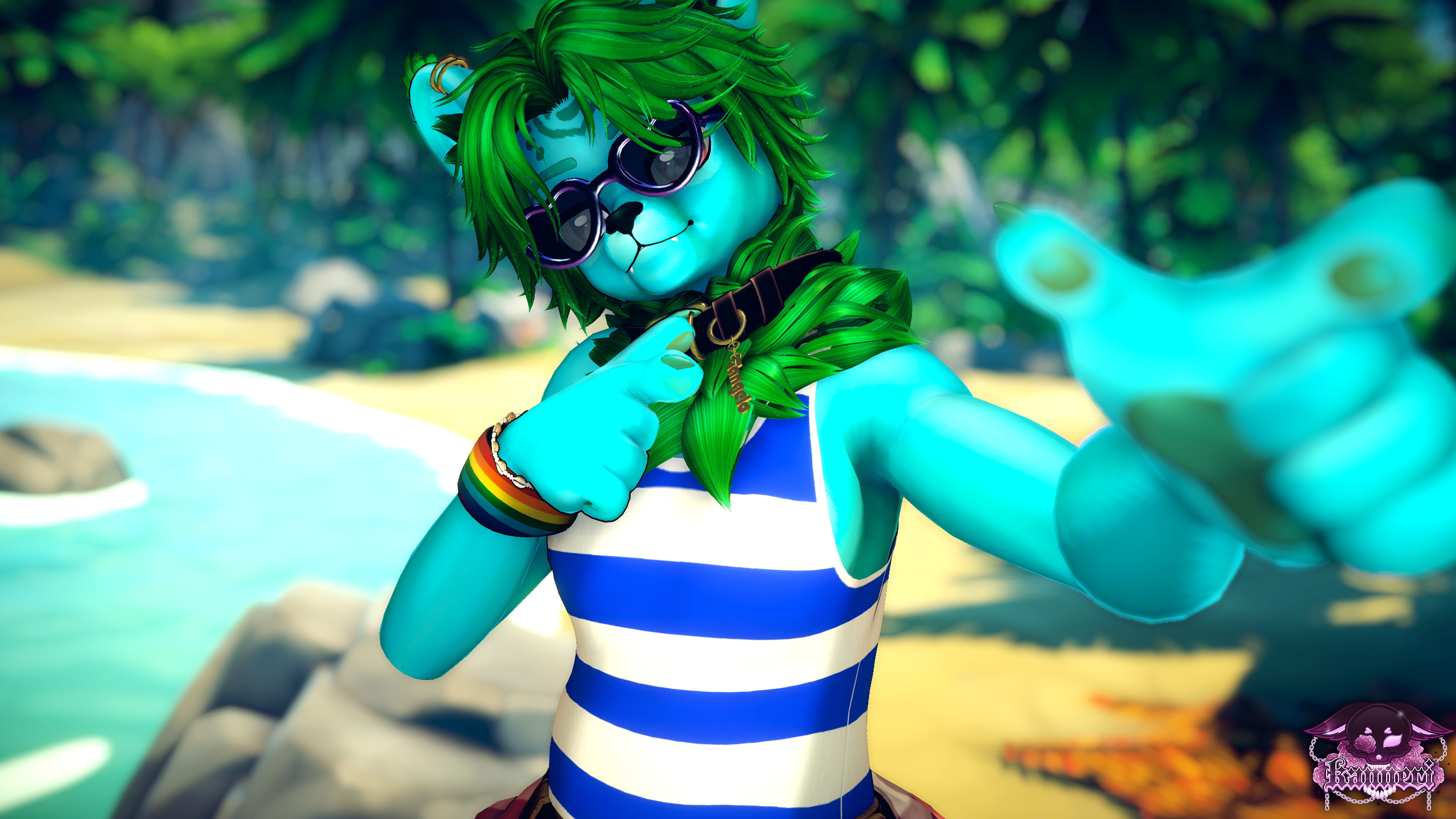
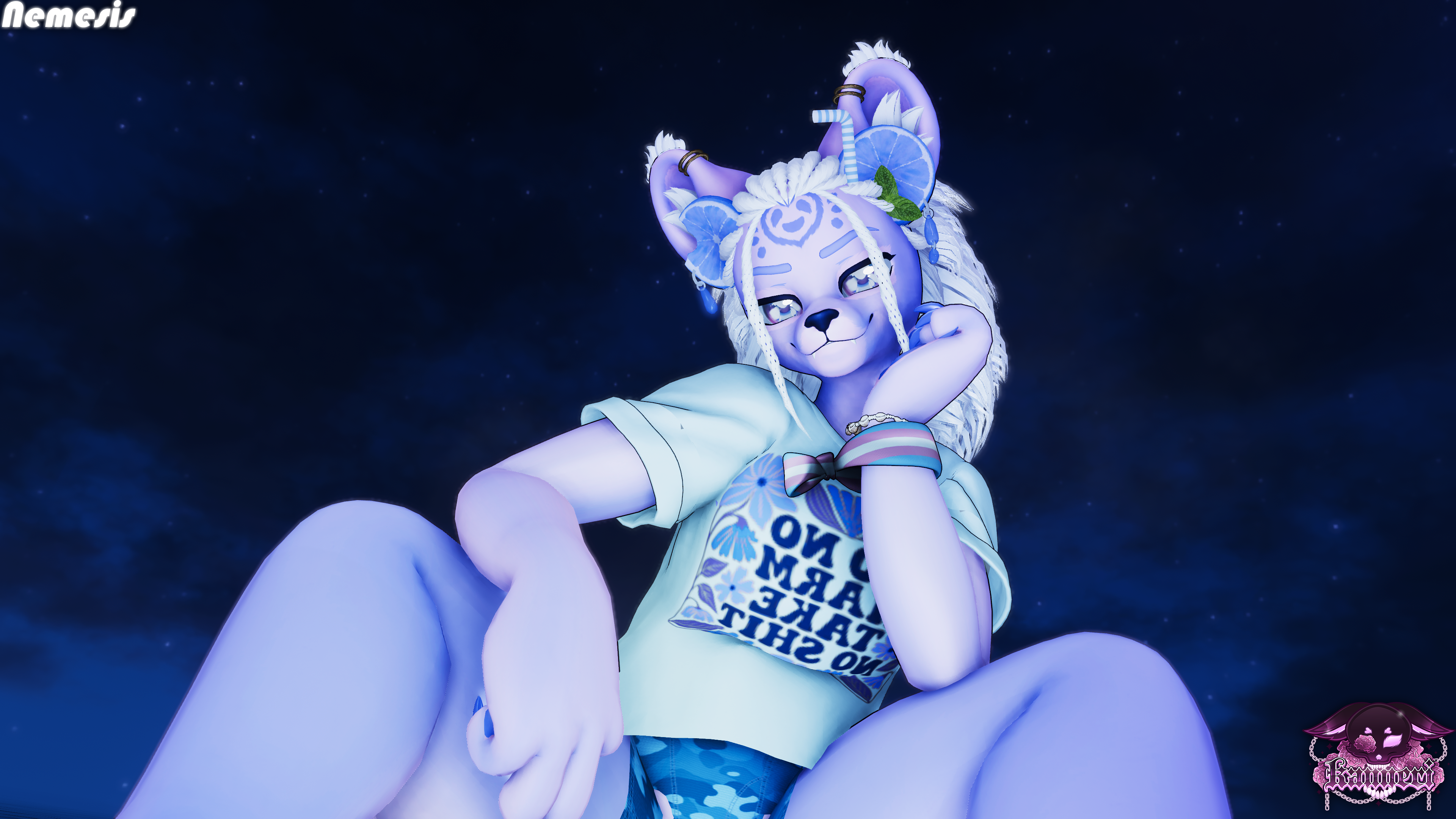
TANGELO

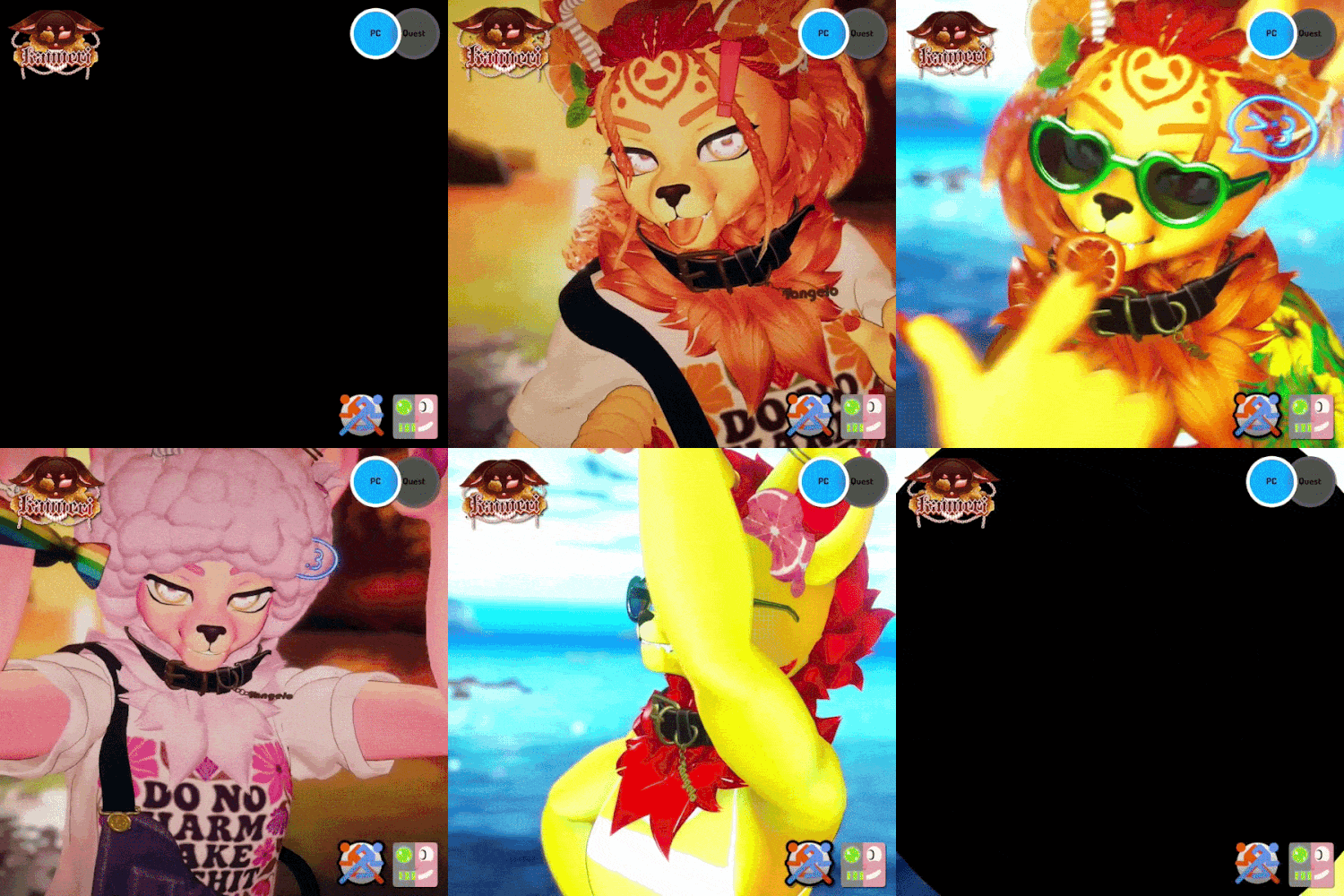
The quest version of this avatar will be out soon!
PCSFWARKIT Face TrackingGOGOLOCOLIMB SCALINGLIGHTING SLIDERS
QUALITY OF LIFE . . .
- VRChat ARKIT Face Tracking (Face tracking compatible headset or headset addon required to work)
- Lighting Sliders to better match your environment
- Gogo Loco for half body users
- Avatar limb scaling
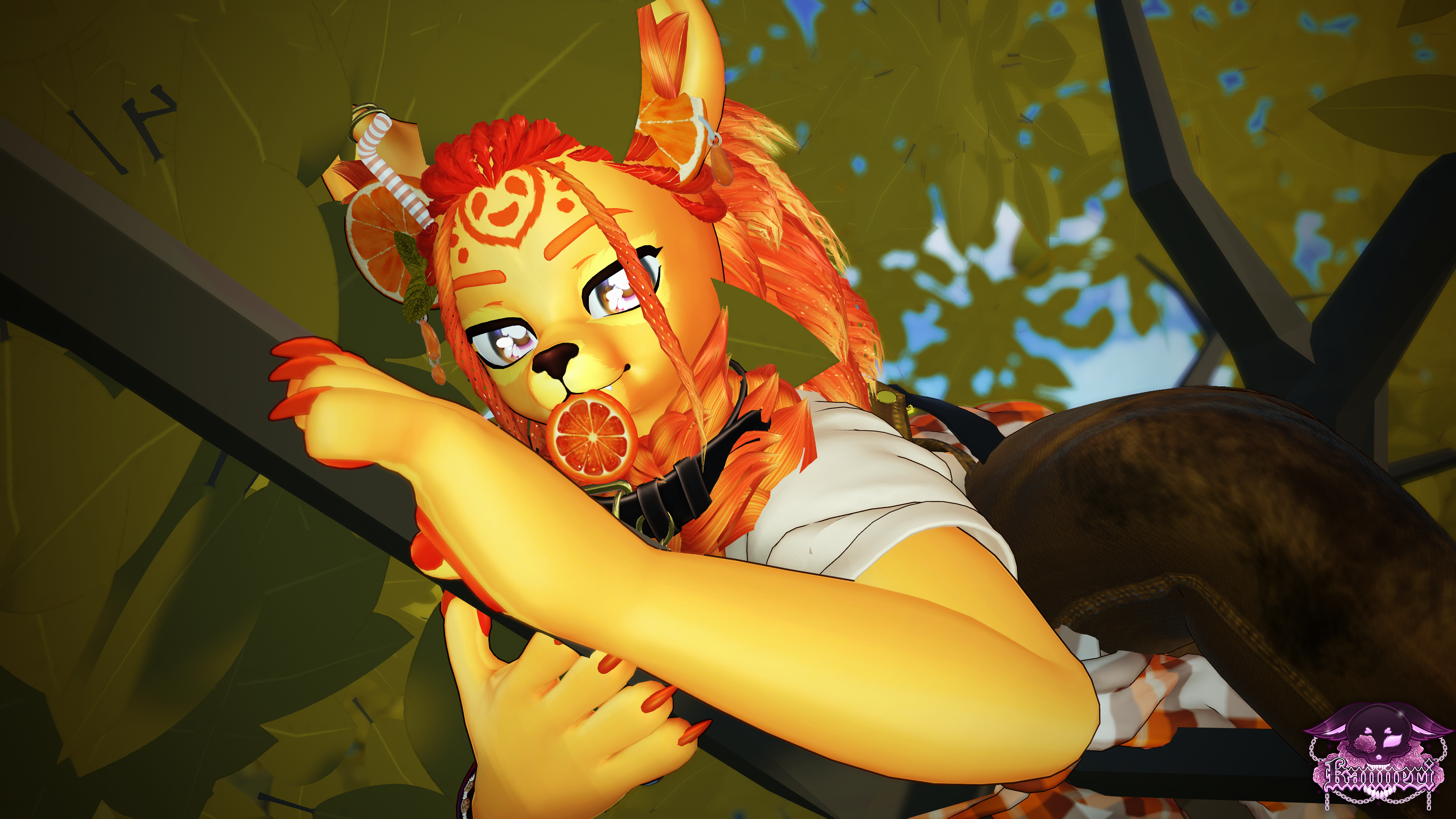
- Citrus flow toys
- Citrus Shark!
TOGGLES . . .
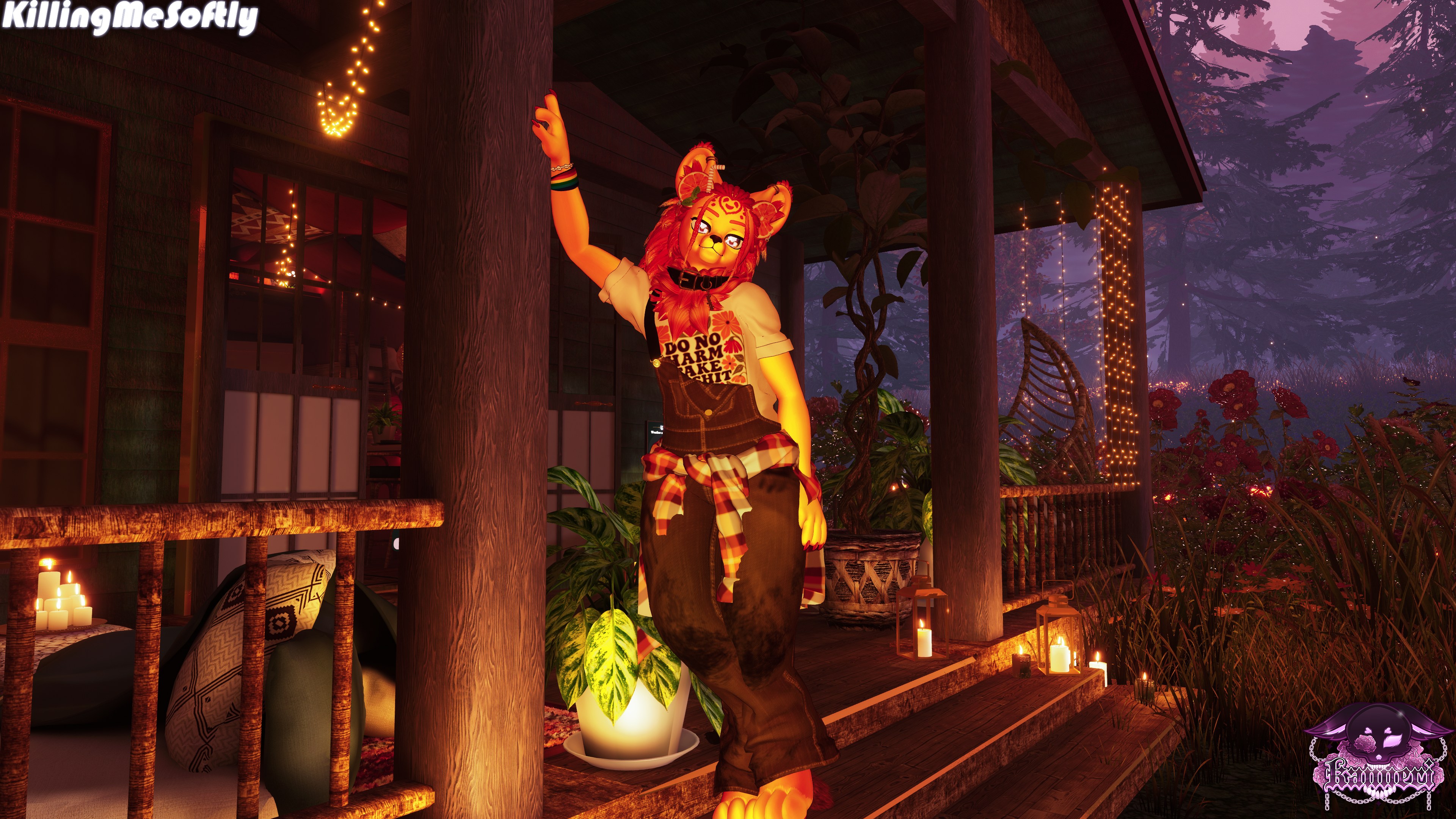
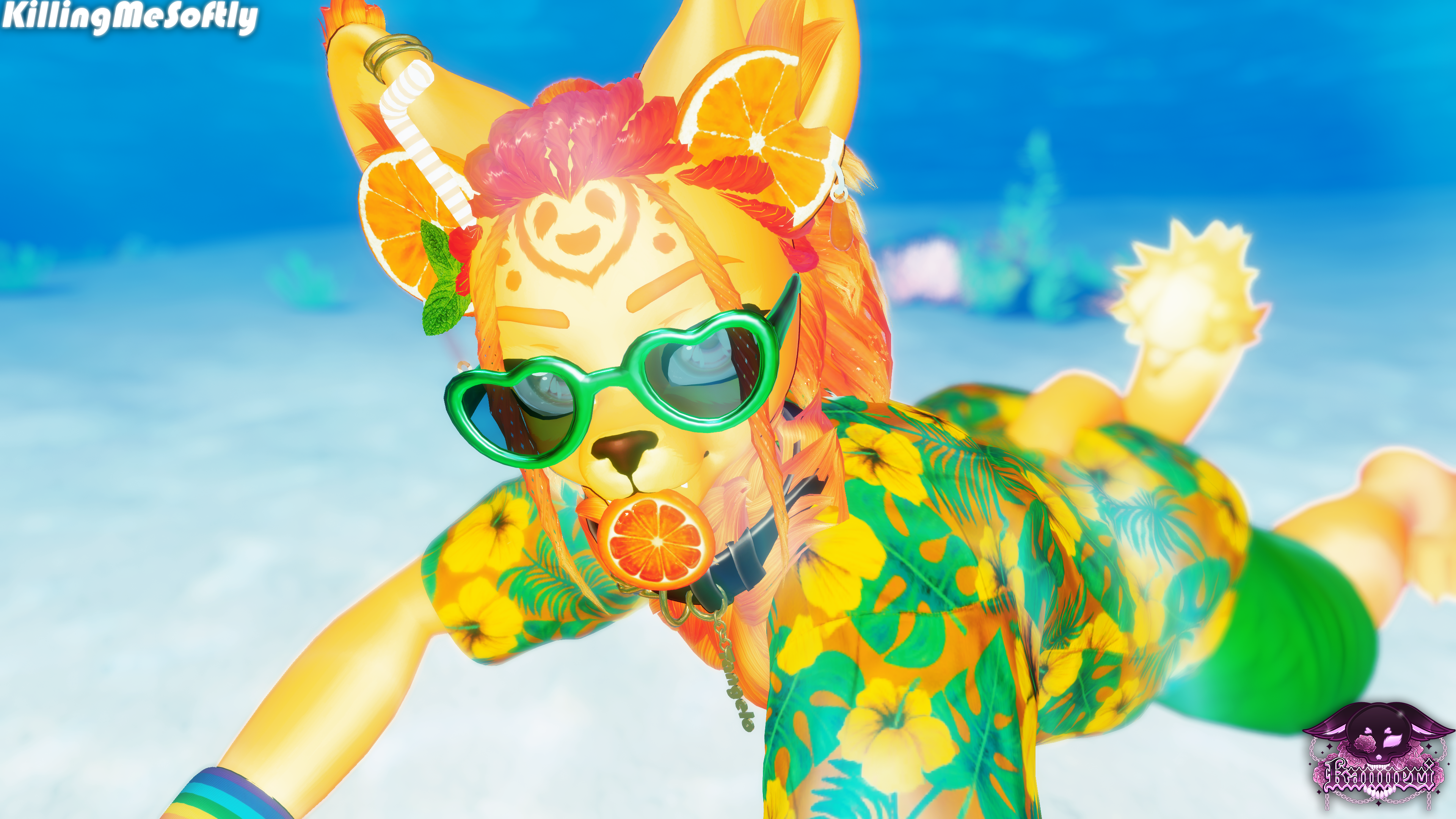
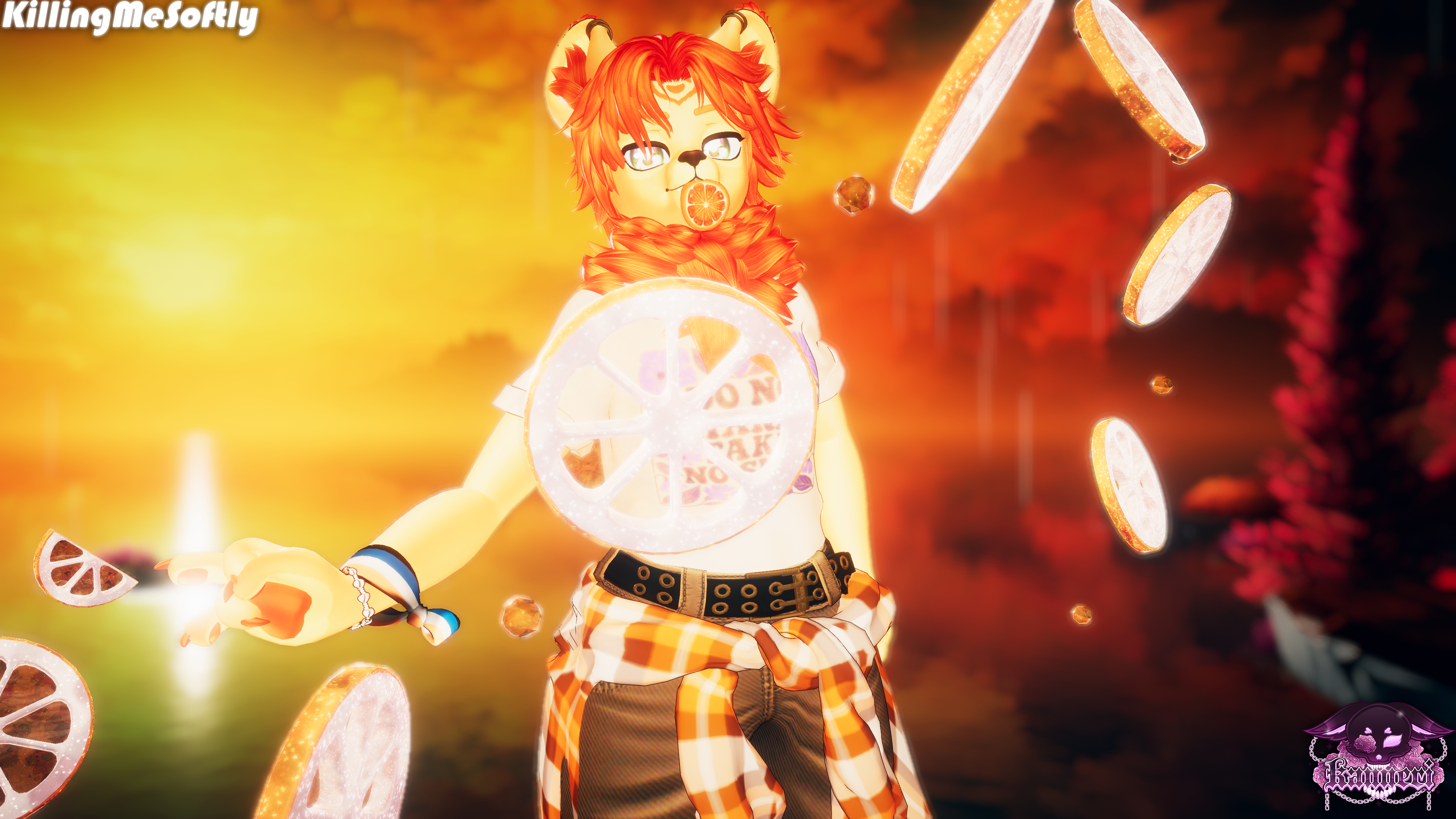
- Tops: T-Shirt, Tank top, Hawaiian Shirt
- Bottoms: Overalls, Jeans, Swim Trunks, Boxers
- Accessories: Pride Bracelet, Puca Shell Bracelet, Mouth Orange Slice, Collar, Sunglasses, Flannel
- 3 Outfit Presets (Camp, Beach, Comfy)
CUSTOMIZATION . . .
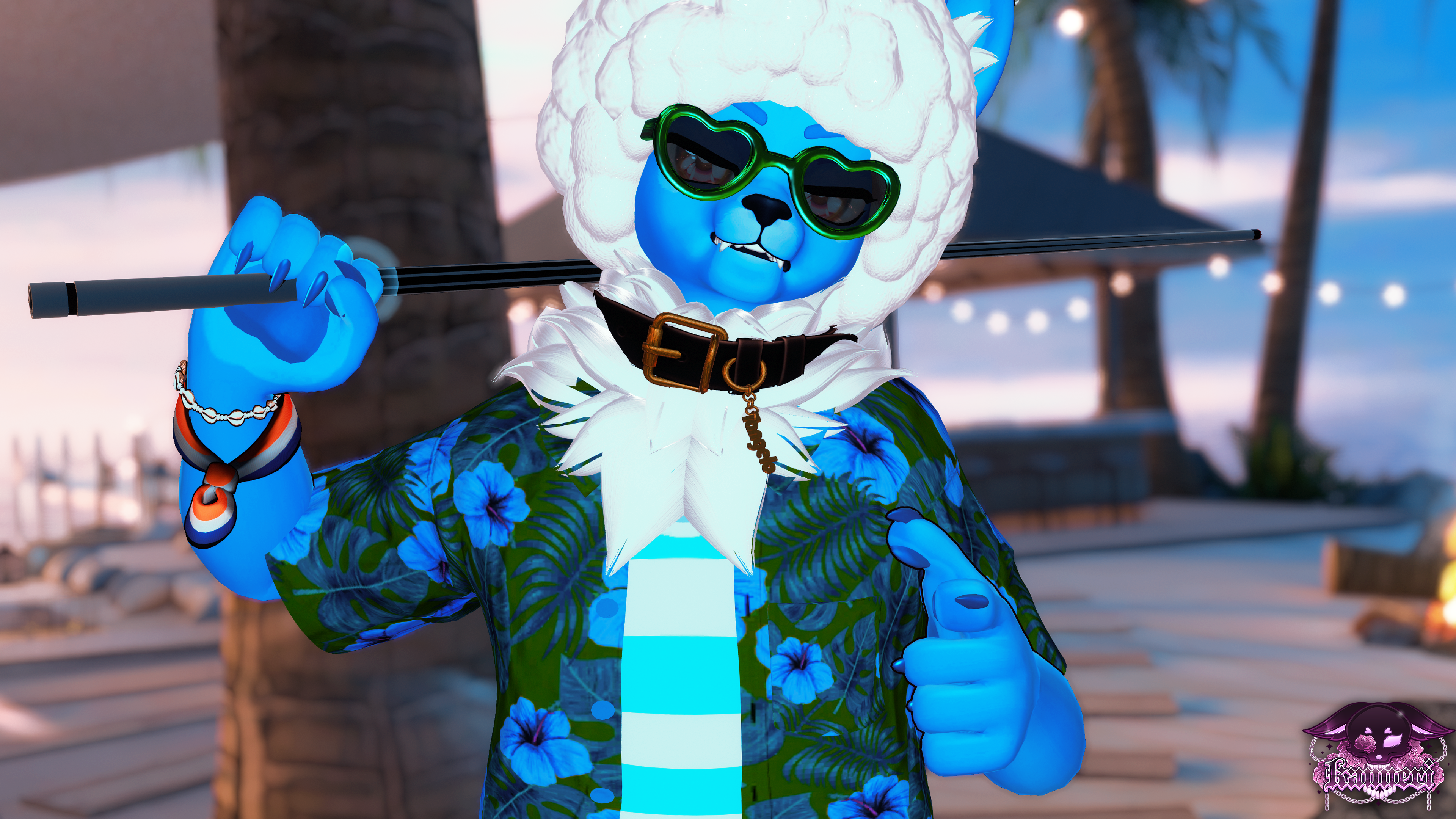
- 5 Hairstyles & Hair Brightness, Saturation, and Hue Sliders
- Body Edits: Eye Hue, 2 Ear Options, Body Hue Radial, Citrus Hue Radial
- Clothing & Accessory edits: 2 Top Hues, Pants Hue, Sunglass Hue, Flannel Hue

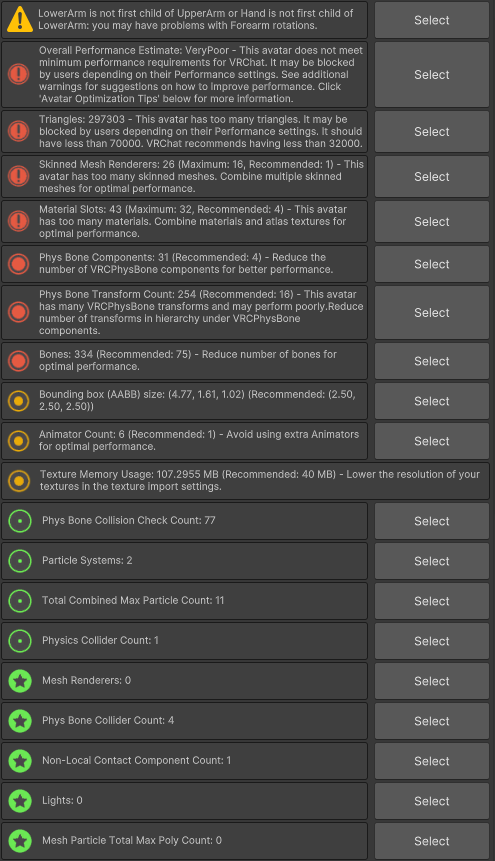
Very PoorPC Performance


- Tops: Soleia3D, LKG,Flexuh
- Bottoms: Soleia3D, Dinzee, Nessy,CrypticCloud
- Accessories: Soleia3D, DaCozyGremlin, I_Am_Chi, AspectZero
- Misc: Kitrion( 1, 2 )

1
Open VRC Creator Companion and make a new project.
2
Add VRCFury, Poiyomi TOON, Avatar Limb Scaler, Jerry's Facetracking template to your project.
3
Open your new project, drag & drop your avatar .unitypackage, click import, and wait.
4
Double click the "OPEN ME" scene in the avatar's folder (I usually name mine !AVATARNAME so it appears first)
5
Go to VRChat SDK > Show Control Panel (if you don't have it already). Enter your login data and go to the Builder tab.
6
Choose the avatar version on top, click the Auto Fix button for any errors and hit upload!
7
Done! You are now 100% cooler than everyone else ;3
DEPENDENCIES
VRCFURYAdd to VCC
Poiyomi ToonAdd to VCC
Avatar Limb ScalerAdd to VCC
Jerry's Face Tracking TemplateAdd to VCC
IF YOU STILL NEED HELP, JOIN MY DISCORD!IF YOU STILL NEED HELP, JOIN MY DISCORD!IF YOU STILL NEED HELP, JOIN MY DISCORD!
Customer Reviews
Anonymous
Verified Buyer
I recommend this product